
Your HTML,
as a document people can keep.
Post some markup and get a PDF back. Point it at a URL and get a screenshot. Fill in a Handlebars template, or shrink a photo until it fits. It runs on real Chromium with real fonts, so what you send is what comes out.
- tools behind one key
4
tools behind one key
- before a file is deleted
1 hr
before a file is deleted
- documents we keep
0
documents we keep
Tools
Four things, done properly
Each one is a single POST. Nothing to install, nothing to keep running, no headless browser of your own to babysit.
HTML to PDF
POST /api/render/pdf
Send a fragment and we wrap it in a print stylesheet that keeps table headers with their rows and headings with their paragraphs. Send a whole document and we leave it alone, so your own fonts and CSS survive intact.
URL screenshot
POST /api/render/screenshot
Any viewport, the fold or the whole scrollable page, JPEG or PNG or WebP, at up to triple pixel density. Add a short delay if the page has an entrance animation you would rather wait out.
Template render
POST /api/render/template
Handlebars in, text out. Flip one switch and you get plain text instead, with lists turned into dashes and paragraphs into line breaks, which is what an email or an SMS actually wants.
Image compress
POST /api/images/compress
Hand it a photograph and a ceiling in bytes. It resizes, then works the quality down until the file fits. An iPhone HEIC comes back as JPEG, because nothing on the web can display HEIC.
How to use it
Try it in the browser, then move it into your code
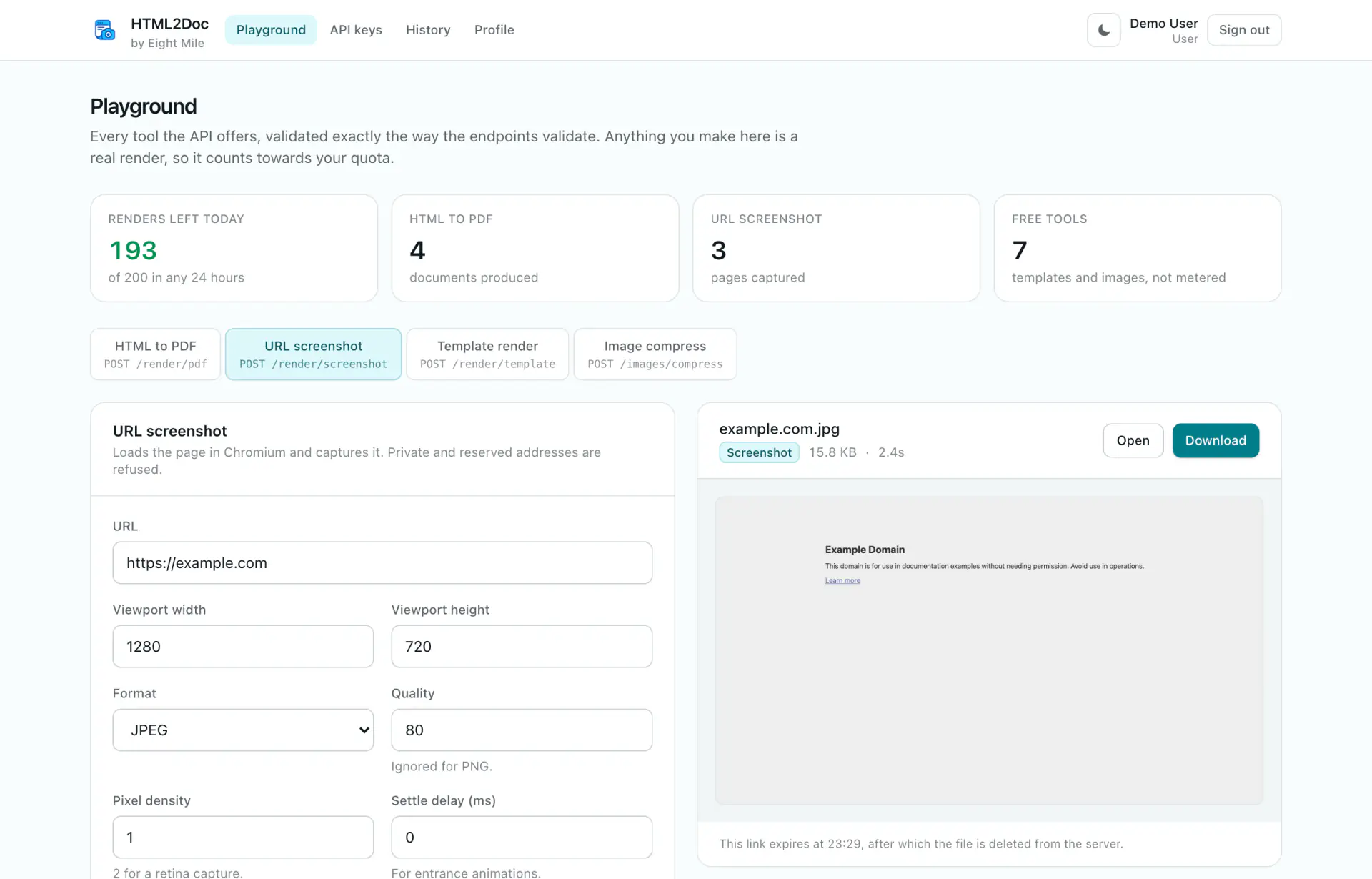
The playground posts to the same endpoints your integration will, with the same validation. If it works there, it works from your server.
01
Play with it first
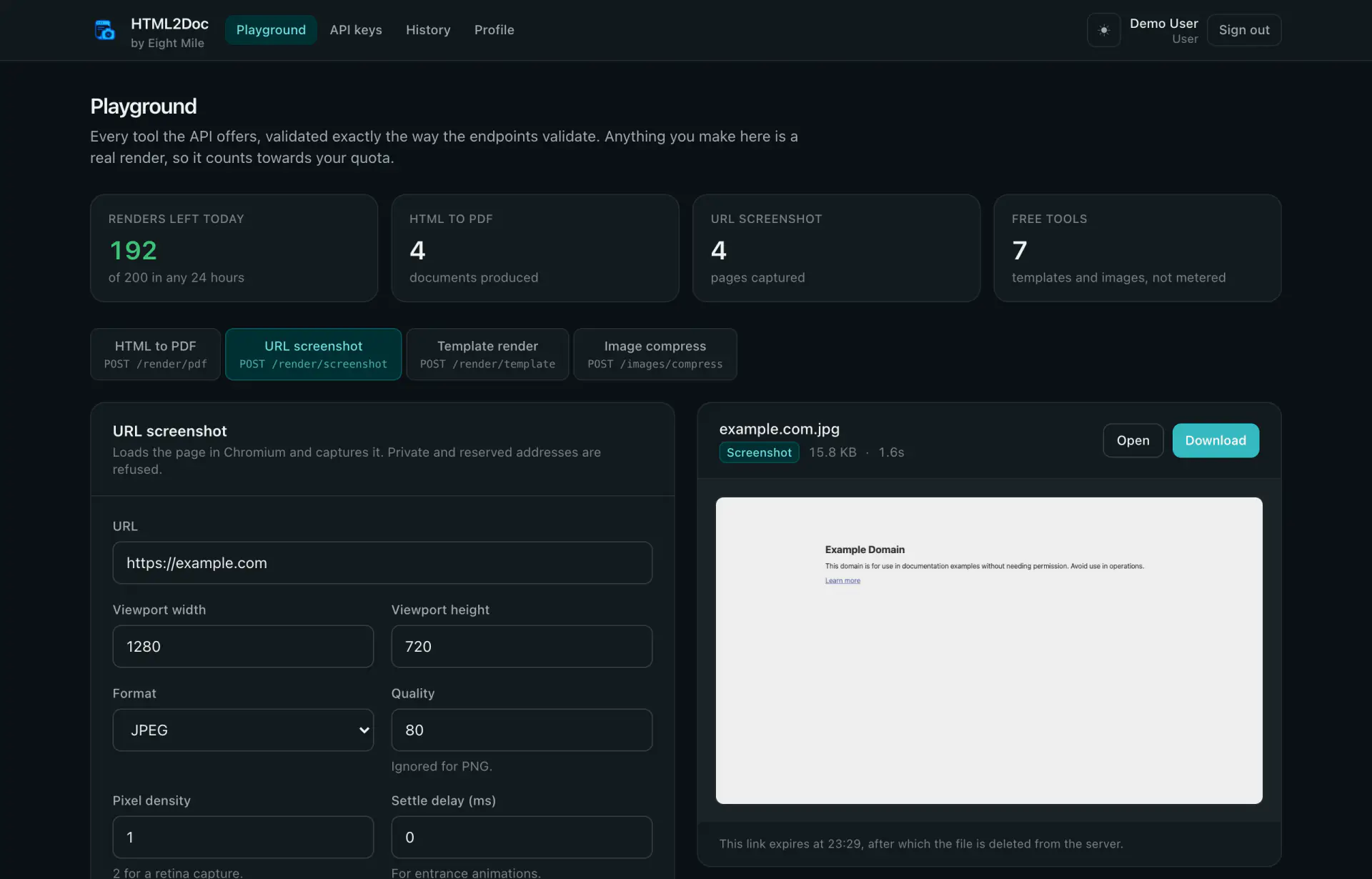
Every tool has a panel with sensible defaults filled in. Hit render and the result appears beside the form, previewed in the page, ready to download. It is a real render against the real API, so you find out how your markup behaves before you write a line of code.
02
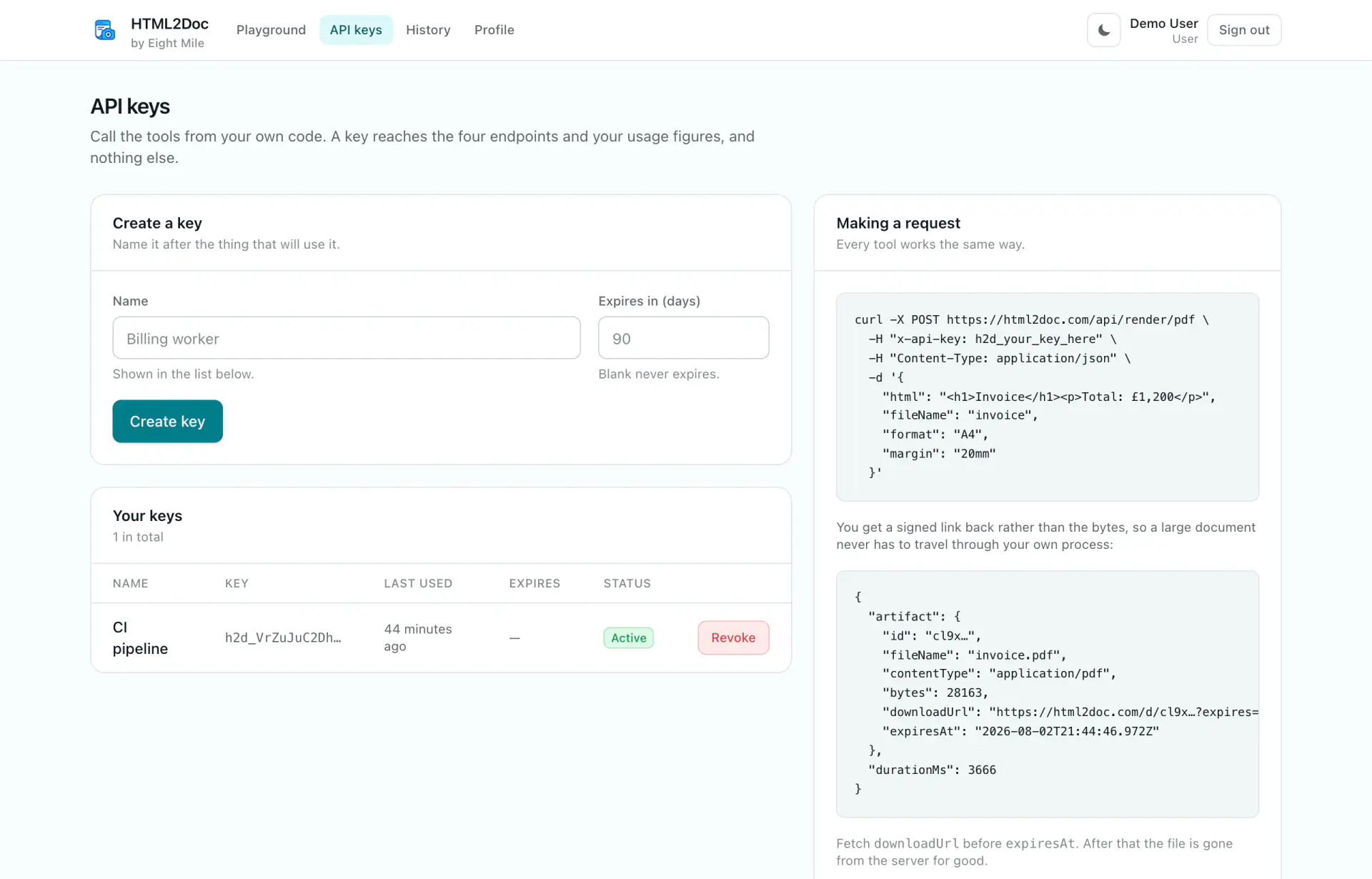
Make a key
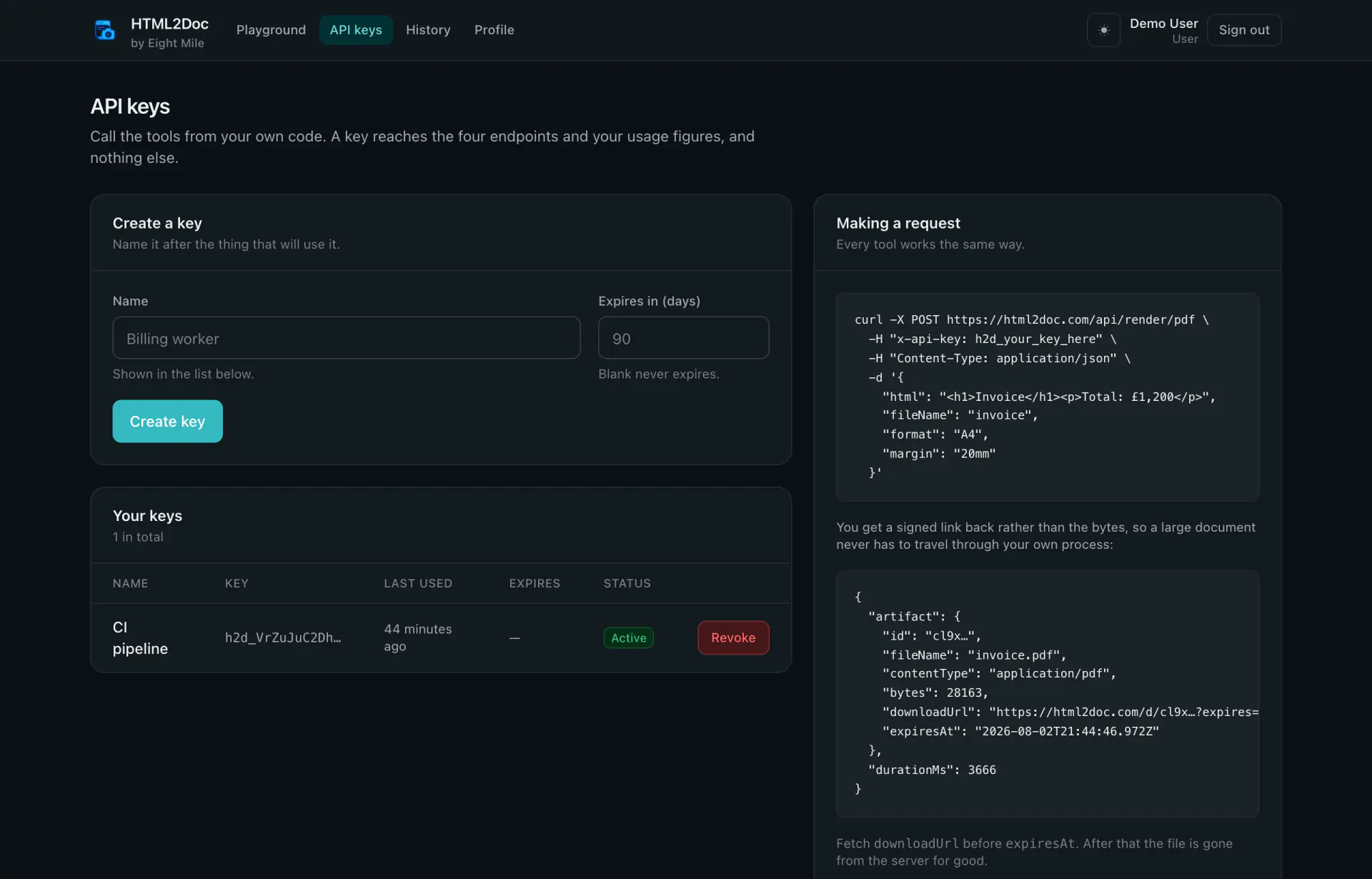
Name it after whatever will be using it, give it an expiry if you like, and copy it once. We only ever store a hash, so there is no way to look it up again later. If it ever leaks, revoke it and the next request with it fails.
03
Call it from anything that speaks HTTP
One header, one POST. You get back a signed link rather than a wall of bytes, so a forty megabyte document never has to pass through your own process on its way to whoever asked for it.
curl -X POST https://html2doc.com/api/render/pdf \
  -H "x-api-key: h2d_your_key_here" \
  -H "Content-Type: application/json" \
  -d '{ "html": "<h1>Invoice</h1>", "fileName": "invoice" }'

{
  "artifact": {
    "fileName": "invoice.pdf",
    "bytes": 28163,
    "downloadUrl": "https://html2doc.com/d/cl9x…",
    "expiresAt": "2026-08-02T21:44:46.972Z"
  },
  "durationMs": 3666
}Details
The parts that usually go wrong
Most of the work in a rendering service is in the edge cases. Here is what we did about the ones that bite.
Fonts that actually arrive
Web fonts and images are waited for before the page is printed, so a document never comes out in the fallback font because the network was slow that second.
It will not read your network
Private and reserved addresses are refused, including the cloud metadata endpoint. That applies to the URL you send and to every request the page then makes, so a redirect inward gets blocked too.
Links that expire on their own
Each download URL is signed against its own expiry. Nobody can point it at a different document or push the date back, and after the hour is up it simply stops working.
Keys that cannot do much
A key calls the four tools and reads your usage. It cannot mint another key, read the account list or change your password, so the worst case for a leak is somebody else’s renders on your quota.
Limits you can see
A daily allowance for browser work, shown in the app before you spend it rather than discovered when a request fails. Templates and compression are cheap, so they are not counted at all.
A log worth reading
Every call, whether it worked or not, with the duration, the sizes, the key that made it and the reason it failed. Capped at a hundred entries an account, so it stays useful instead of endless.
Your documents do not live here
A rendered file sits on disk just long enough for you to fetch it, then a sweep deletes the file and its row together. The link stops resolving at the same moment, so an old URL in someone's inbox is a dead end rather than a leak. What stays behind is the record that a render happened, which is what you want when you are trying to work out why a customer never got their invoice.
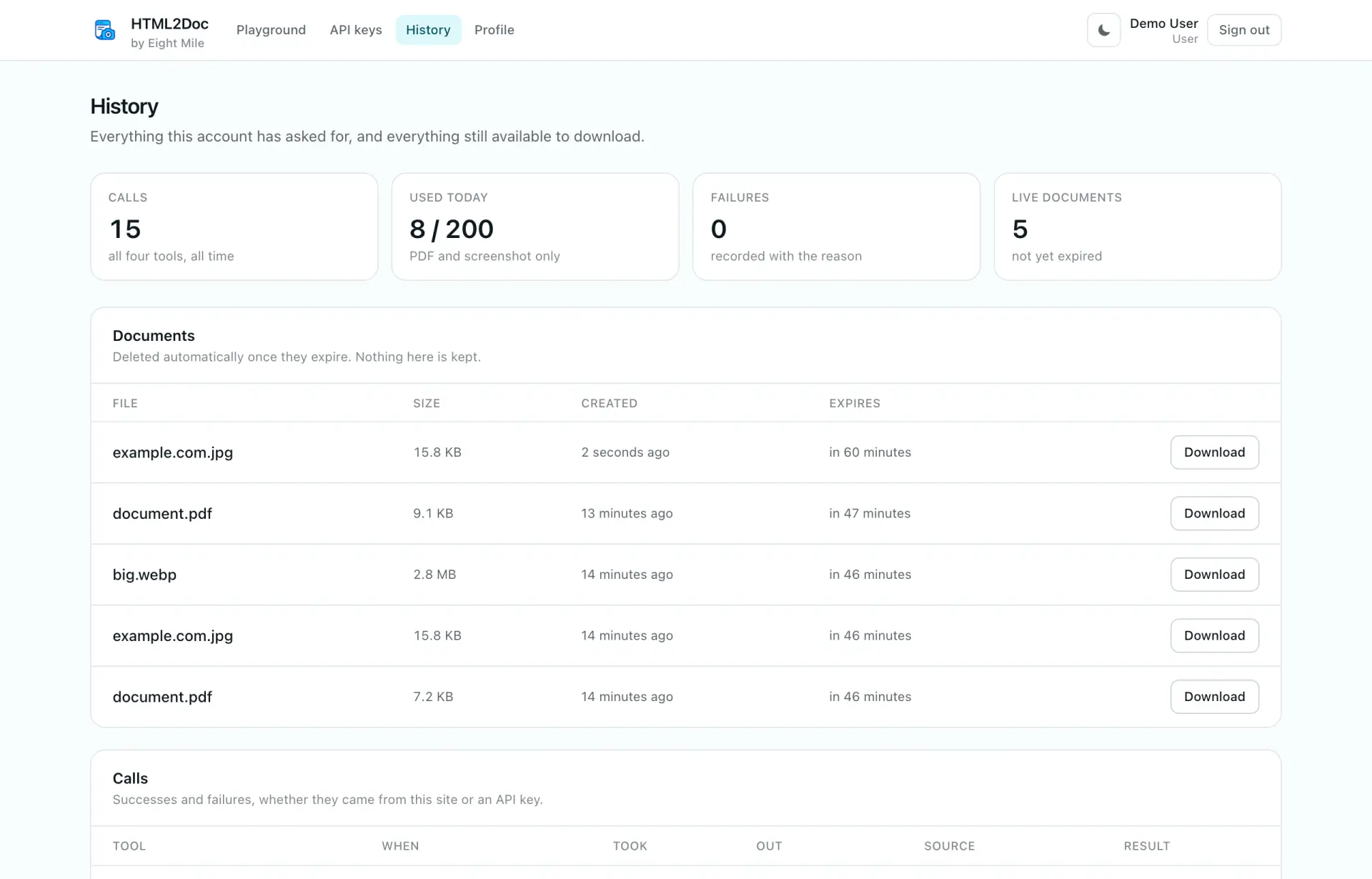
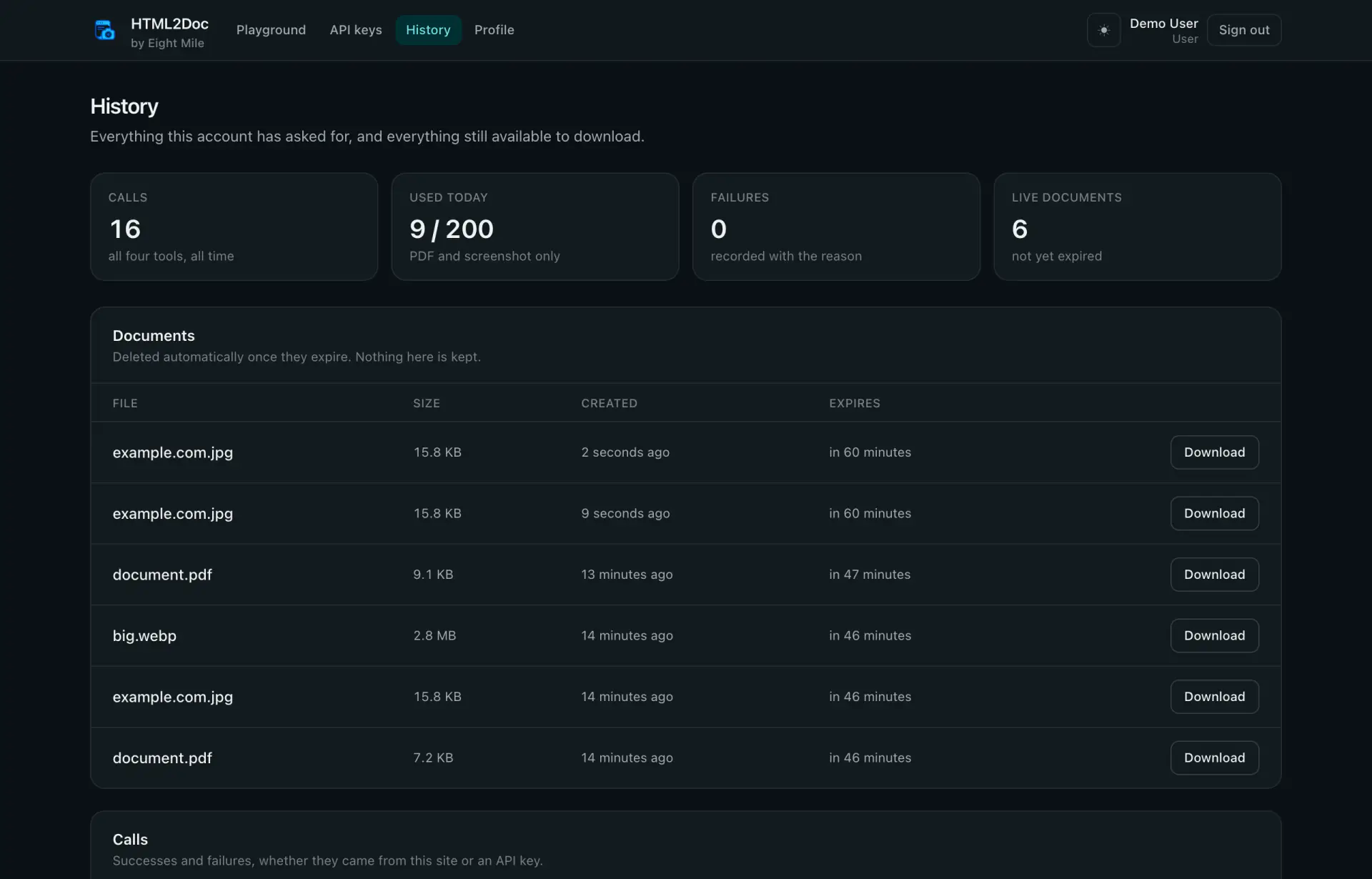
Every call is logged, including the ones that failed and why.
Questions
Things people ask
If yours is not here, write to us and we will add it.
What happens to my documents?+
They sit on disk for an hour by default, then a sweep deletes the file and the database row at the same time. The download link stops resolving at that moment. We keep the record of the render, never the contents.
Why do I get a link instead of the file?+
Because a big PDF passing through your process, then through ours, then back out again wastes time and memory for no reason. The link is signed and short lived, so you can hand it straight to whoever needs the file.
Can I send a whole HTML document?+
Yes. If it starts with a doctype or an html tag we use it exactly as written, head included. Anything else is treated as a fragment and gets our print stylesheet wrapped around it.
Do you support custom fonts?+
Google Fonts are supported directly, and you can pass your own CSS alongside your markup. Fonts are loaded and waited for before the page is printed, so they always make it into the file.
What counts against my quota?+
Only the two tools that run a browser, which are PDF and screenshot. Templates and image compression are not metered. Failed renders do count, because they used the same browser time as a successful one.
Can I screenshot a page behind a login?+
Not today. The renderer is deliberately kept away from cookies, sessions and private networks, which is the same rule that stops it being pointed at internal addresses.
How big can a request be?+
Two megabytes of HTML for a PDF, and twenty five megabytes for an image upload. Both are configurable if you are self hosting, and the error tells you the limit rather than making you guess.
Why is signup capped?+
Every render starts a real browser, and browsers are expensive. Rather than let the service get slow for everybody, we cap the number of accounts and open more when there is room.